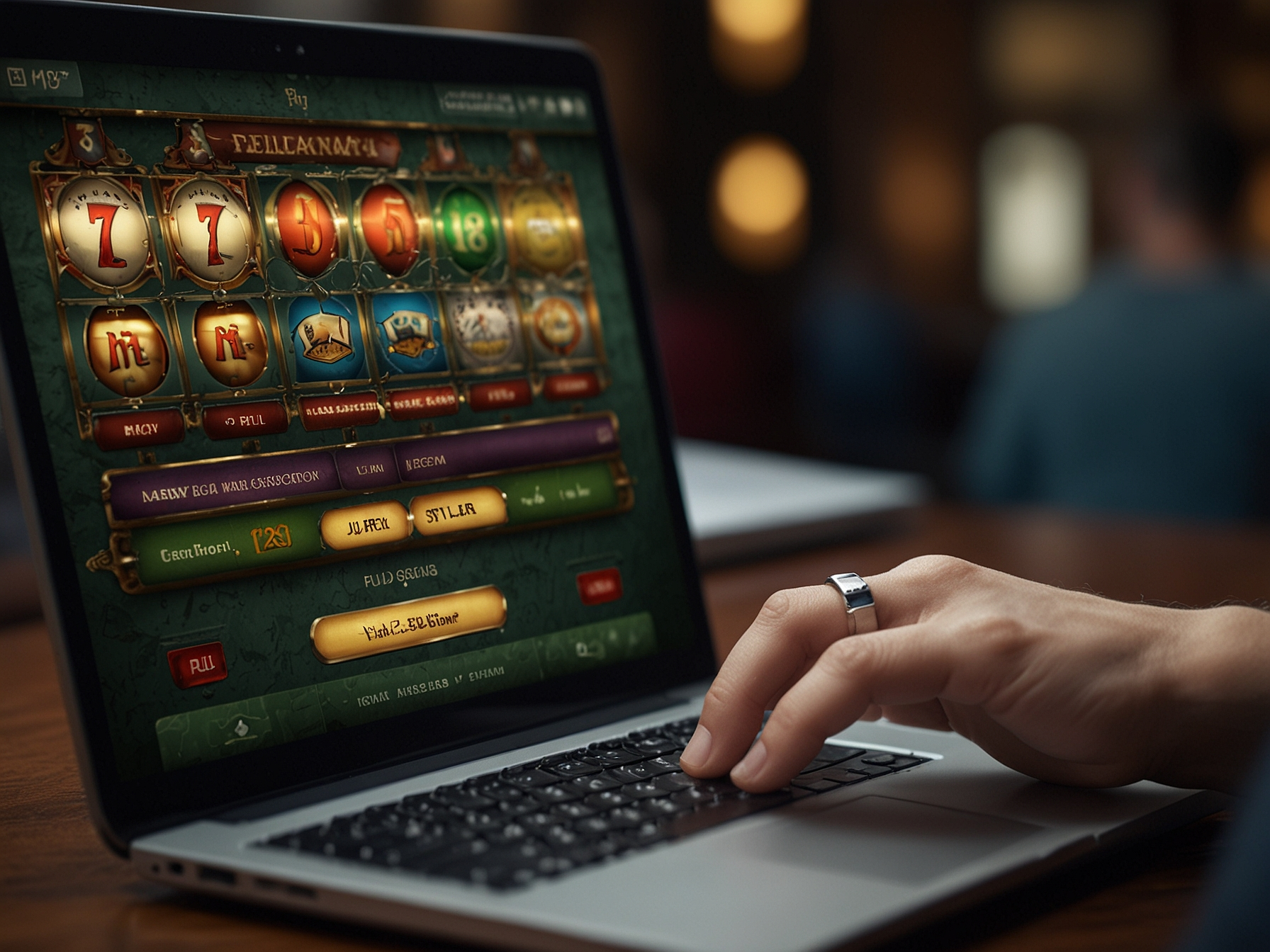
We make logging in to your Elon Casino account simple and safe. Enter your registered email or username and your password on the login page. If you have enabled two-factor authentication (2FA), you will be prompted to enter the verification code from your authenticator app or SMS message. These steps ensure that only you can access your account.
For convenience, we offer an option to remember your device for trusted devices. Use this feature only on personal devices and avoid selecting it on public or shared computers. If you are using a public machine, always log out and clear any saved credentials to keep your account secure.
We recommend creating a unique, strong password that is not used on any other website. A strong password should be at least 12 characters long and include a mix of uppercase, lowercase, numbers and symbols. Avoid using easily guessed information such as names or birthdays.
Never share your password with anyone, including people claiming to be site staff. We will never ask for your password in support conversations. If you suspect your password has been compromised, change it immediately and contact our support team for further assistance.
We strongly encourage enabling two-factor authentication to add an extra layer of security to your account. With 2FA enabled, logging in requires both your password and a verification code generated by an authenticator app or sent via SMS. This significantly reduces the risk of unauthorized access, even if your password is compromised.
To enable 2FA, visit Account Settings → Security and follow the steps to pair your authenticator app or confirm your phone number. Store backup codes securely in case you lose access to your primary device. If you lose both your authenticator device and backup codes, our support team can assist after completing identity verification steps.
If you cannot access your account, we provide a secure recovery workflow to regain access. Use the 'Forgot Password' link on the login page to start the recovery process. We will verify your identity through a combination of email verification, SMS codes, and, when required, identity document checks.
For successful recovery, have access to the email or phone number associated with your account. If these contact details are unavailable, our support team will guide you through additional verification steps designed to protect both your privacy and assets.
We never contact players asking for full account passwords, full payment card details, or one-time verification codes. Beware of phishing sites and emails that mimic our branding but use slightly different URLs. Always check the browser address bar and confirm you are visiting sjmelon.net before entering credentials.
If you receive suspicious communications, do not respond and forward them to our support team for review. We will investigate and advise on next steps. Remember to only use official channels for account matters and to enable 2FA for improved protection.
Use updated browsers and operating systems to benefit from the latest security patches. Enable automatic updates where possible and avoid outdated plugins that may expose vulnerabilities. On mobile, keep your apps updated and download only from official app stores.
When using public Wi-Fi networks, avoid logging into your account unless you use a secure VPN. Public networks are more susceptible to interception that can compromise sensitive data. For maximum safety, use your mobile network or a trusted private connection.
If you experience login issues or suspect unauthorized activity, contact our support team immediately. We provide a structured escalation path for security incidents and will work to secure your account after validating your identity. Timely reporting helps us respond quickly and protect your funds.
Support is available through the in-site help center and dedicated secure channels. For urgent security matters, follow the emergency contact instructions displayed in the support area to ensure priority handling.
Enable two-factor authentication now to add an extra layer of protection to your Elon Casino account.
Use the 'Forgot Password' link on the login page and follow the verification steps. If you cannot access your email, contact support for identity verification assistance.
Go to Account Settings → Security and follow the instructions to pair an authenticator app or confirm your phone number for SMS codes.
Immediately change your password and contact support. We will temporarily freeze transactions if necessary and guide you through securing your account.
No. Our support team will never request your password. We will only ask for identity verification through secure methods.